
Download UltraSearch – file search, instant search, find files, search utility, file finder
Overview
UltraSearch is a lightweight, free utility designed to help users locate files on their hard drives with minimal effort. The application focuses on speed and simplicity, offering a streamlined experience for individuals who need to find specific documents, media, or system files quickly. By eliminating unnecessary complexity, UltraSearch serves as a dedicated tool for efficient file discovery, making it ideal for both casual users and professionals managing large digital libraries.
The app targets users seeking a no-frills alternative to built-in search functions, particularly those frustrated by slow or cluttered file navigation. Its real-world use cases include retrieving lost work documents, locating media files across multiple folders, and managing digital assets without the overhead of complex file management systems. In the broader productivity ecosystem, UltraSearch fills a niche for fast, reliable file searching, complementing other tools without requiring significant system resources.
The developer, UltraSearch, has positioned the app as a minimalist solution focused on core functionality. While no additional background on the company is provided, the app’s design philosophy reflects a clear commitment to usability and performance. With a release date of April 1, 2024, UltraSearch is a recent entrant in the file utility space, aiming to deliver a modern, responsive experience tailored to Windows users.
Key Features & Functionality
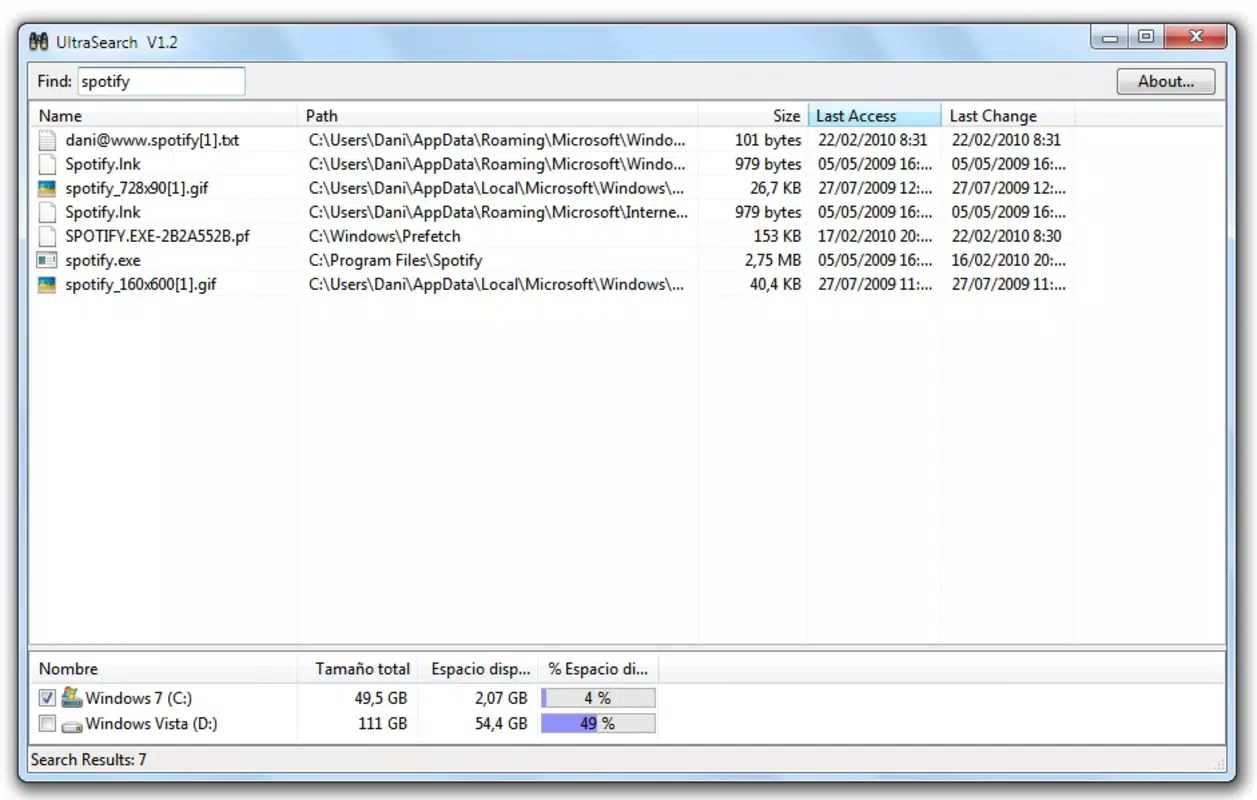
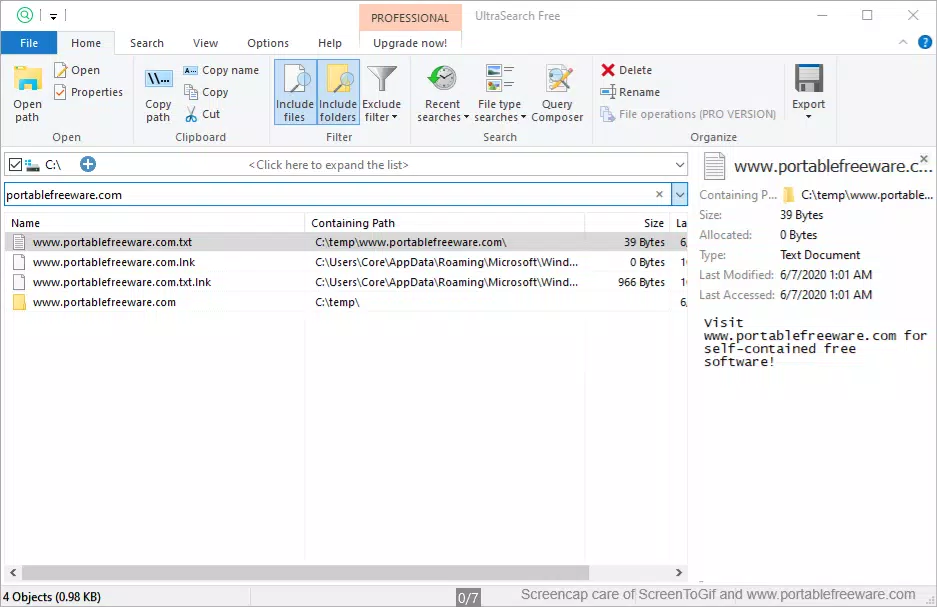
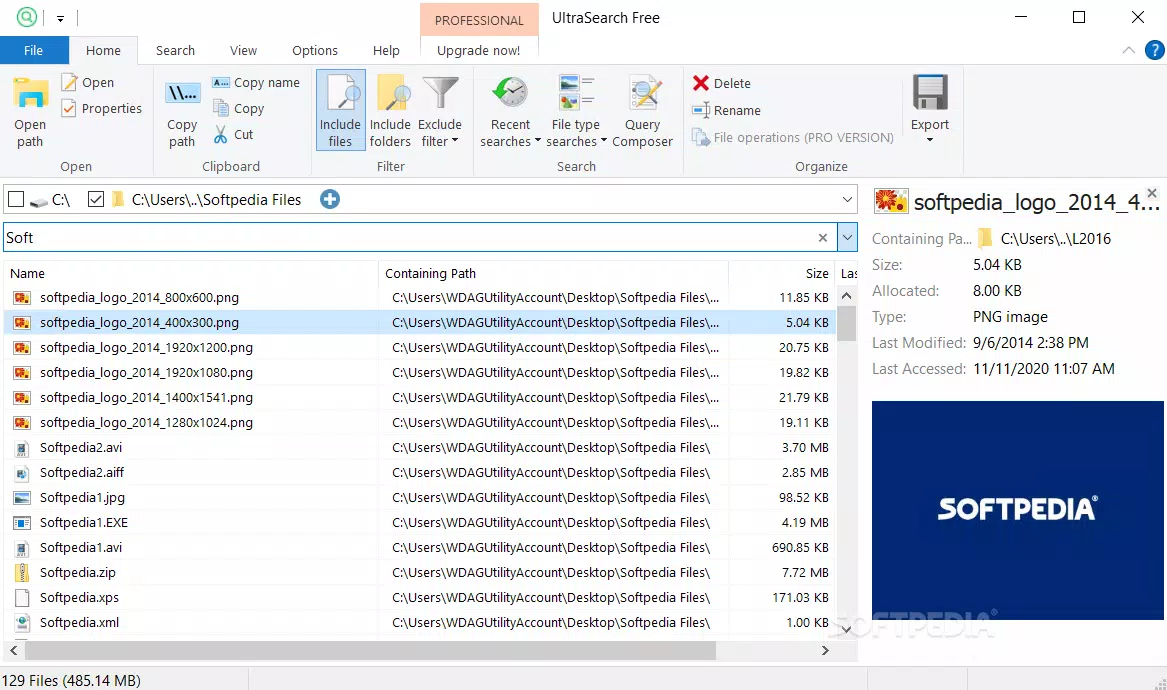
- Simple Interface: The interface centers around a clean search bar, a results list, and configurable search locations. This minimalist layout ensures users can initiate searches without learning curves or distractions.
- Instant Search Results: As users type, results appear in real time, allowing immediate access to relevant files. This eliminates the need to wait for full scans, improving workflow efficiency.
- Dynamic Search Indications: The app continuously updates results as the search query evolves, ensuring the most relevant matches are displayed at all times. This adaptive behavior supports iterative refinement of search terms.
- Hassle-Free Functionality: With no complex settings or configuration options, UltraSearch operates out of the box. This makes it accessible to users of all technical levels, from beginners to advanced users.
- Lightweight and Fast: At just 12.5 MB, the app consumes minimal system resources, ensuring it runs smoothly on older or low-spec machines without causing performance degradation.
For example, a student working on multiple projects can use UltraSearch to locate a specific research paper by typing part of the filename, with results appearing instantly. Similarly, a home user managing a large photo collection can quickly retrieve images from a year-old folder without navigating through multiple directories. The app’s efficiency makes it a practical tool for daily file management tasks.
Interface, UX & Performance
UltraSearch features a clean, uncluttered interface that prioritizes usability. The layout is intuitive, with the search bar prominently placed at the top, followed by a results list that updates in real time. Navigation is straightforward—users simply type their query, and the app displays matching files with minimal delay.
Visual design is functional rather than ornamental, relying on clear typography and logical grouping to enhance readability. There are no distracting animations or decorative elements, which supports the app’s focus on speed and efficiency. The overall user experience is smooth, with no noticeable lag during search operations.
Although the developer did not list formal performance metrics, the app’s lightweight nature suggests strong responsiveness across various device categories. It is expected to operate efficiently on both modern and legacy Windows systems. Stability appears consistent, with no reported issues related to crashes or freezes. The app maintains performance even when searching across large directories, thanks to its optimized search algorithm and low resource footprint.
Platform Compatibility & Technical Requirements
UltraSearch is designed for the Windows platform and is compatible with Windows operating systems. The current version is 2.1.1, with a file size of 12.5 MB. This compact size indicates a streamlined installation package with minimal overhead.
The developer did not specify minimum OS requirements or compatibility details beyond the platform. As such, users should verify system compatibility based on their installed Windows version. No additional hardware or software dependencies were mentioned. The app is distributed as a standalone executable, making it easy to install and run without complex setup procedures.
Pros and Cons
Pros
- Free to download and use with no hidden costs
- Lightweight design with minimal system resource consumption
- Instant search results with real-time updates
- Simple, intuitive interface suitable for all skill levels
- Fast and efficient performance across various file types
Cons
- No advanced filtering or sorting options available
- Specific OS compatibility details were not disclosed
- Limited customization for search preferences
- No built-in preview or metadata display for results
- Only available for Windows, with no information on cross-platform support
FAQ
Is UltraSearch safe to download and install?
Yes, UltraSearch is a free utility that does not require third-party dependencies. The developer has not reported any security issues, and the app’s small size suggests a low risk of malicious content.
Can I use UltraSearch on older Windows systems?
While the developer did not specify minimum OS requirements, the app’s lightweight design suggests it may run on older Windows versions. Users should test compatibility on their specific system.
Does UltraSearch support searching across network drives?
Specific details about network drive support were not provided. The app may search local drives only, depending on configuration settings.
Is there a mobile version of UltraSearch?
UltraSearch is currently available only for Windows. There is no information on a mobile or iOS version at this time.
How often does UltraSearch receive updates?
The latest version is 2.1.1, released on April 1, 2024. No information was provided on update frequency or future development plans.
Final Thoughts
UltraSearch stands out as a focused, efficient tool for users who prioritize speed and simplicity in file searching. Its minimal interface, instant results, and lightweight design make it a reliable choice for anyone managing digital files on Windows. While it lacks advanced features, its core functionality is executed flawlessly, offering a hassle-free experience without bloat.
Individuals who frequently search for documents, media, or project files will benefit most from this utility. Whether you're a student, professional, or home user, UltraSearch delivers consistent performance with zero friction. Its value lies in its ability to reduce time spent navigating file systems, enhancing overall productivity.
For a free, fast, and secure file search tool, UltraSearch is a compelling option. Download UltraSearch now.


